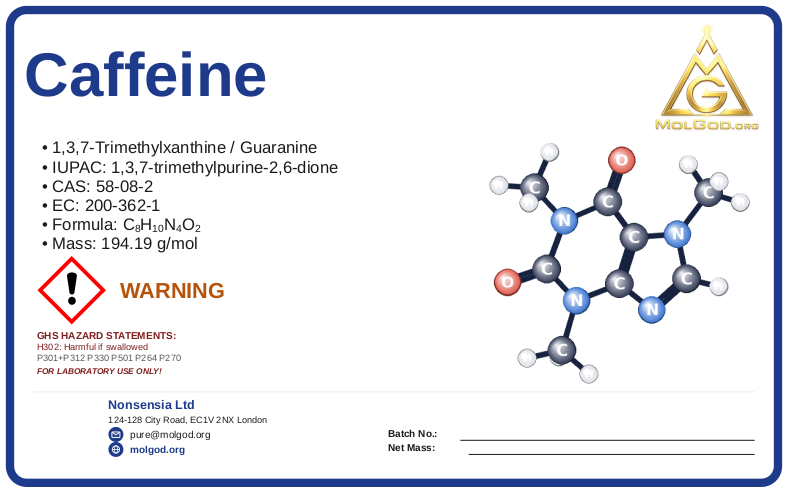
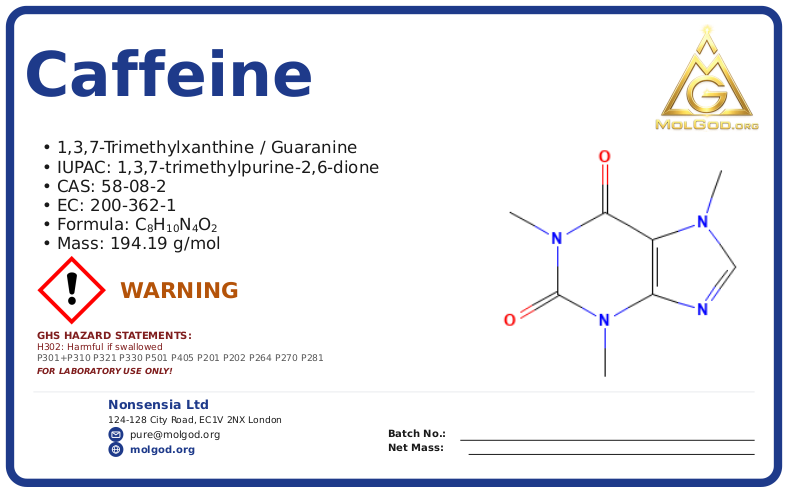
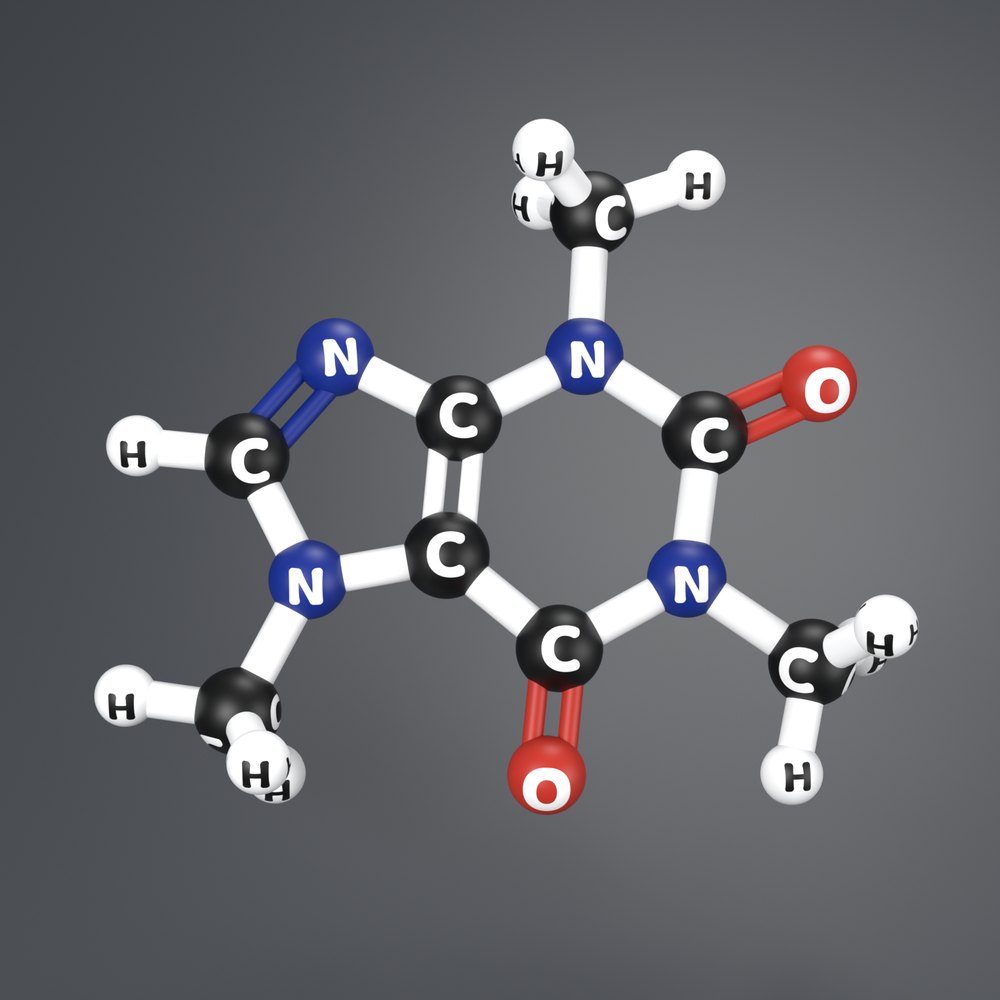
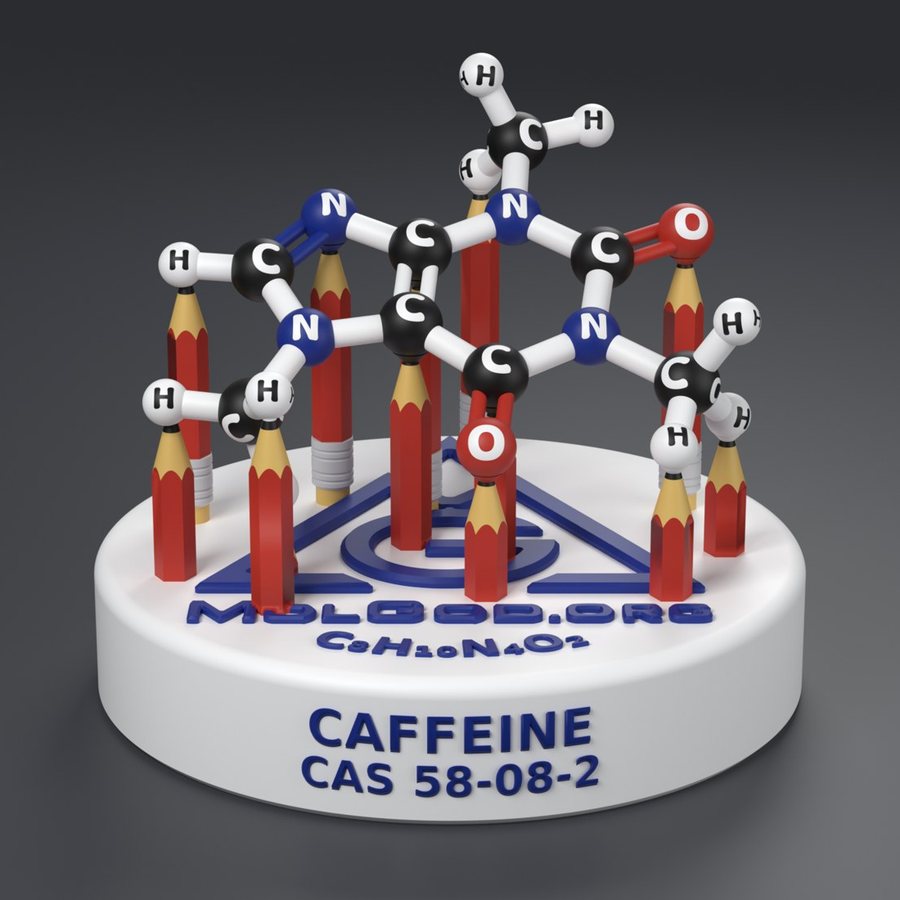
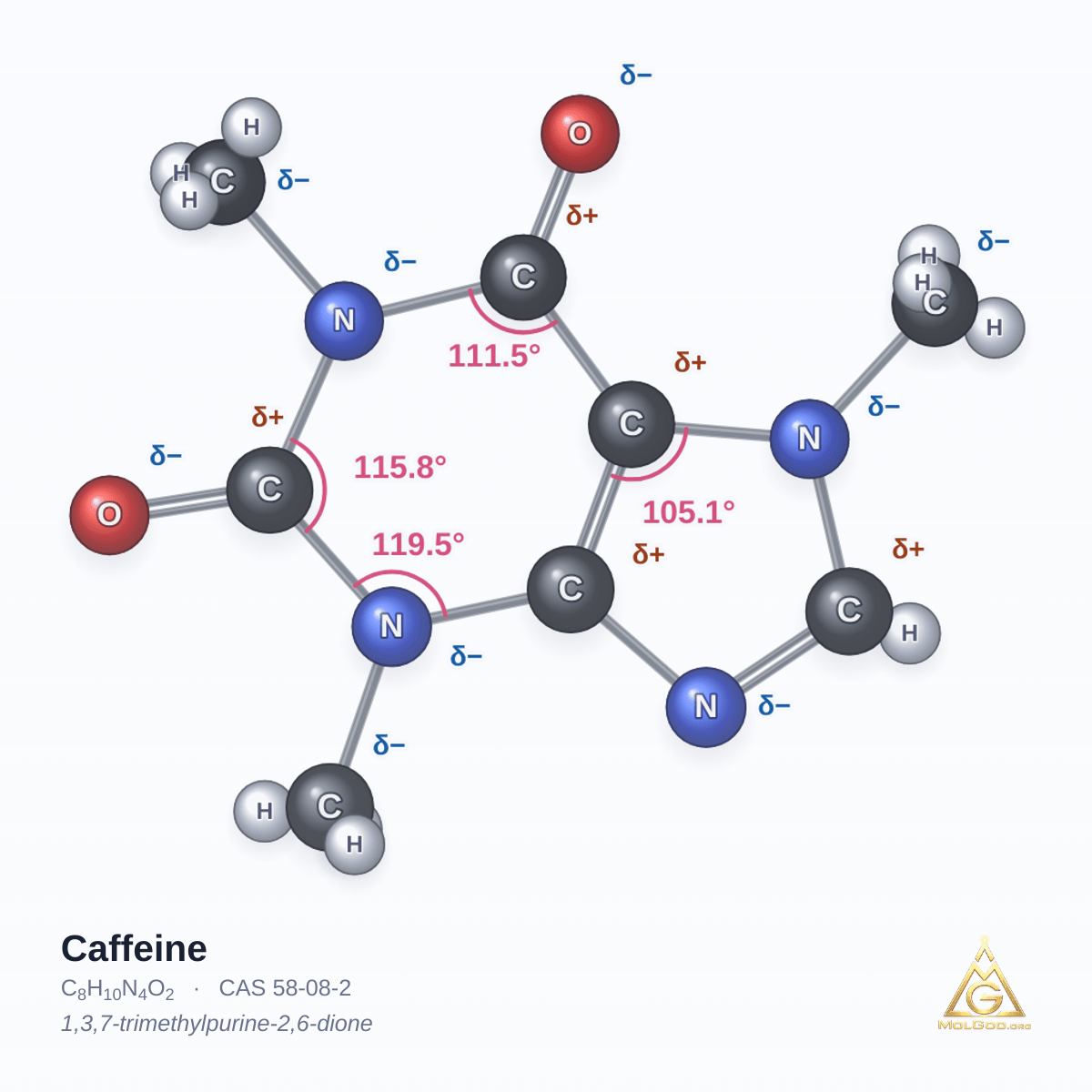
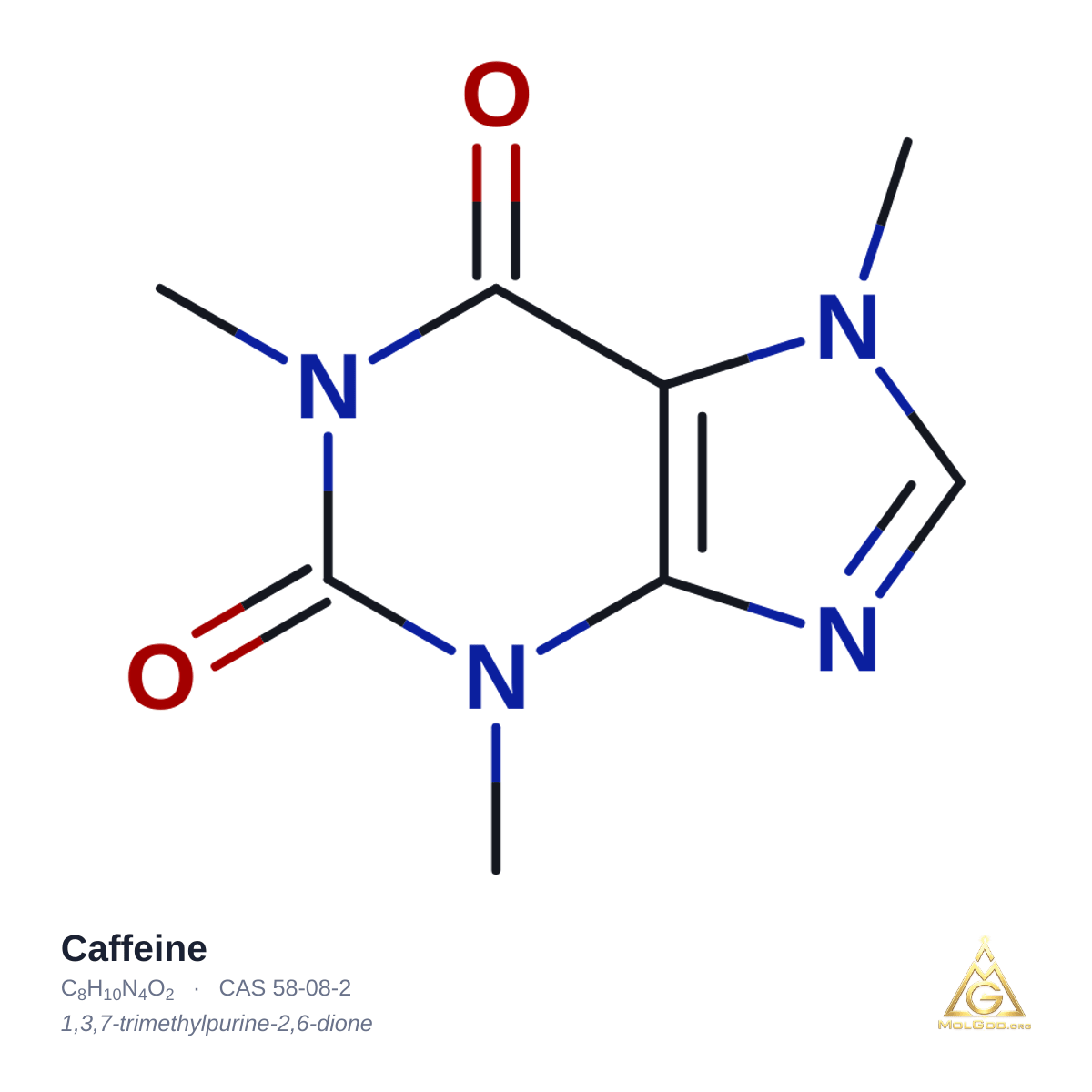
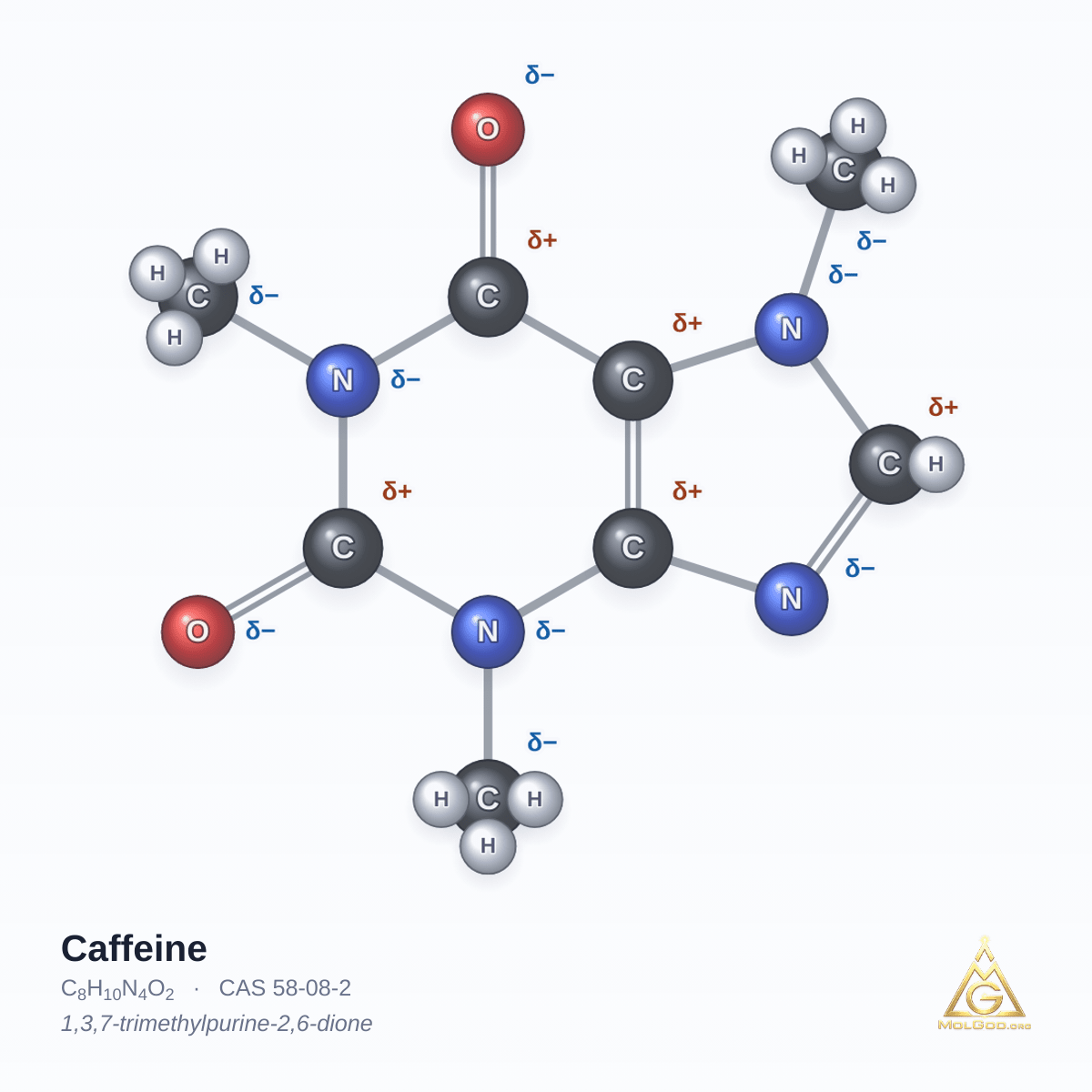
Print it yourself — free
100 × 100 × 84 mmPLA, 0.4 mm nozzle, 0.2 mm layersabout 85–87 g of filament8 h 19 min – 11 h 51 min of printing (depends on the printer)Free for non-commercial use, CC BY-NC-SA 4.0 licenceNot yet printed physically — yours could be the first
- Licence CC BY-NC-SA 4.0: you may print, share and adapt the print model (with base) for non-commercial purposes — at home, school, university or a makerspace — with attribution. CC BY-NC-SA 4.0
- Commercial use — selling prints and paid printing services — only with our licence: [email protected].
- Files downloaded from 22 to 27 October 2026 (text “CC BY-SA 4.0” on the underside of the base) stay under CC BY-SA 4.0. The current model, from 28 October 2026, has “CC BY-NC-SA 4.0” on the underside and is licensed under it.
- The molecule alone (NORMAL and ENGRAVED files) stays under CC BY-SA 4.0.
1. Download a file ready for 3D printing
G-code with supports — ready to print: load it on the printer named in the file and print.
File name: molgod_caffeine_58-08-2_R3-ready-to-print_g2026-10-28_r19_WITH-SUPPORTS_gcode-Prusa-MK4_ready-for-3D-printing.gcode
molgod_caffeine_58-08-2_R3-ready-to-print_g2026-10-28_r19_WITH-SUPPORTS_gcode-Prusa-MINI_ready-for-3D-printing.gcode
molgod_caffeine_58-08-2_R3-ready-to-print_g2026-10-28_r19_WITH-SUPPORTS_gcode-Creality-Ender-3-S1_ready-for-3D-printing.gcode
3MF — any printer: open it in PrusaSlicer, choose your printer and slice. The supports are generated automatically when slicing, from the project settings — a plain 3D viewer does not show them.
File name: molgod_caffeine_58-08-2_R3-ready-to-print_g2026-10-28_r19_3MF-project_supports-generated-when-sliced.3mf
STL without supports — for advanced users: add tree supports in your slicer (settings in the PDF data sheet).
File name: molgod_caffeine_58-08-2_R3-ready-to-print_g2026-10-28_NO-SUPPORTS_add-supports-in-slicer.stl
Ordering a print from a print shop? Send them the G-code with supports for their printer (Prusa MK4, Prusa MINI, Creality Ender-3 S1) or the 3MF project (any other printer; the supports are generated when slicing) — together with the PDF data sheet. A paid 3D printing service is commercial use and needs our commercial licence: [email protected]. A school makerspace, library or university that prints free of charge does not need it.
- Why G-code only for the printer it names? It holds the moves of one machine — on another printer it can ruin the print.
- Why does the support not touch the sphere? The 0.2 mm gap lets it come off cleanly without tearing the letters — cut with flush cutters, do not pull.
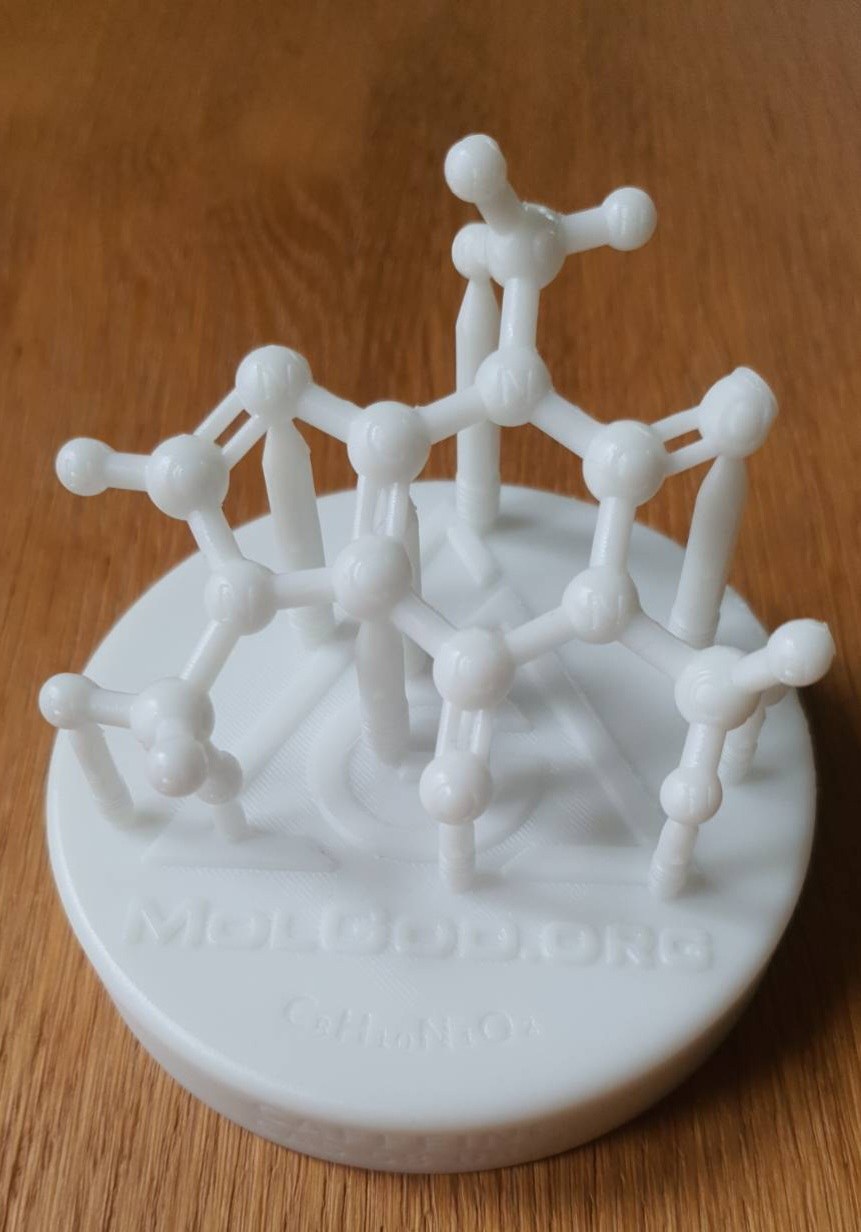
- Why do the yellow pencils stay? They are part of the model and hold the molecule. You remove only the orange tree supports.
2. Print as supplied
Base flat on the bed, no rotating and no rescaling — the file is in millimetres. Keep your slicer’s automatic supports switched on.
This applies to the 3MF project and the STL. You print the ready G-code without a slicer — the supports are already in it.
In your own slicer: organic (tree) supports with “on build plate only” switched OFF — every tree starts on the base (Cura: Support Placement = Everywhere). After choosing your printer, press A (Arrange) so the model sits in the middle of the bed.
3. Finish the model
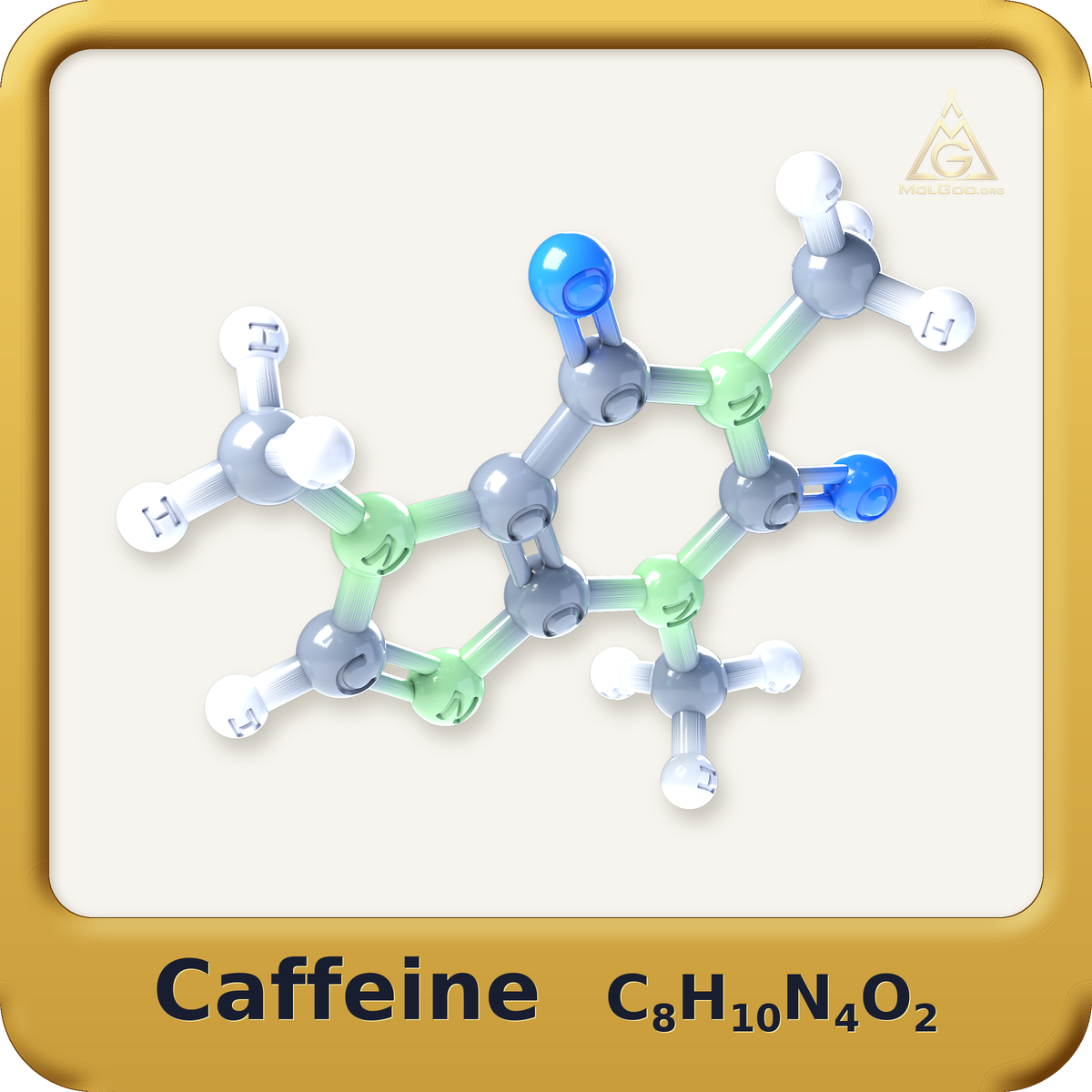
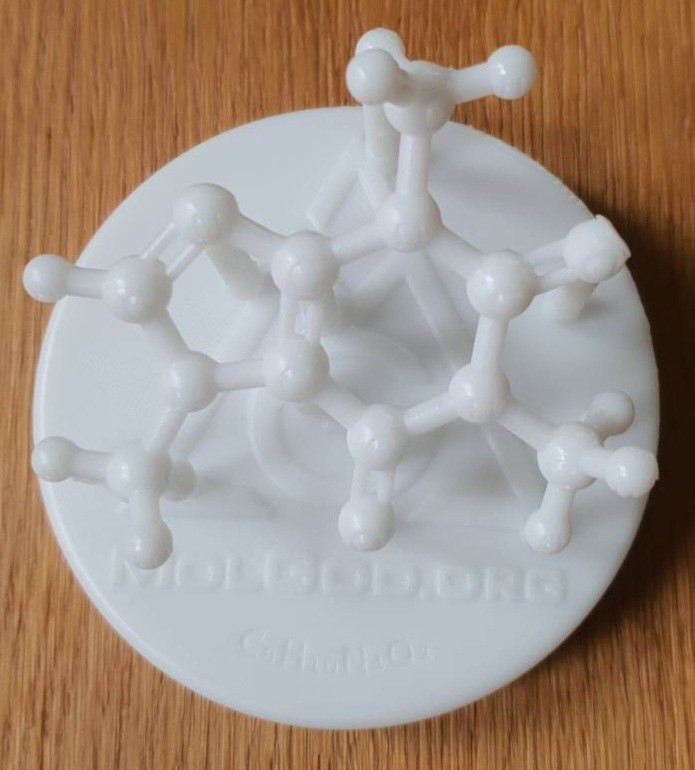
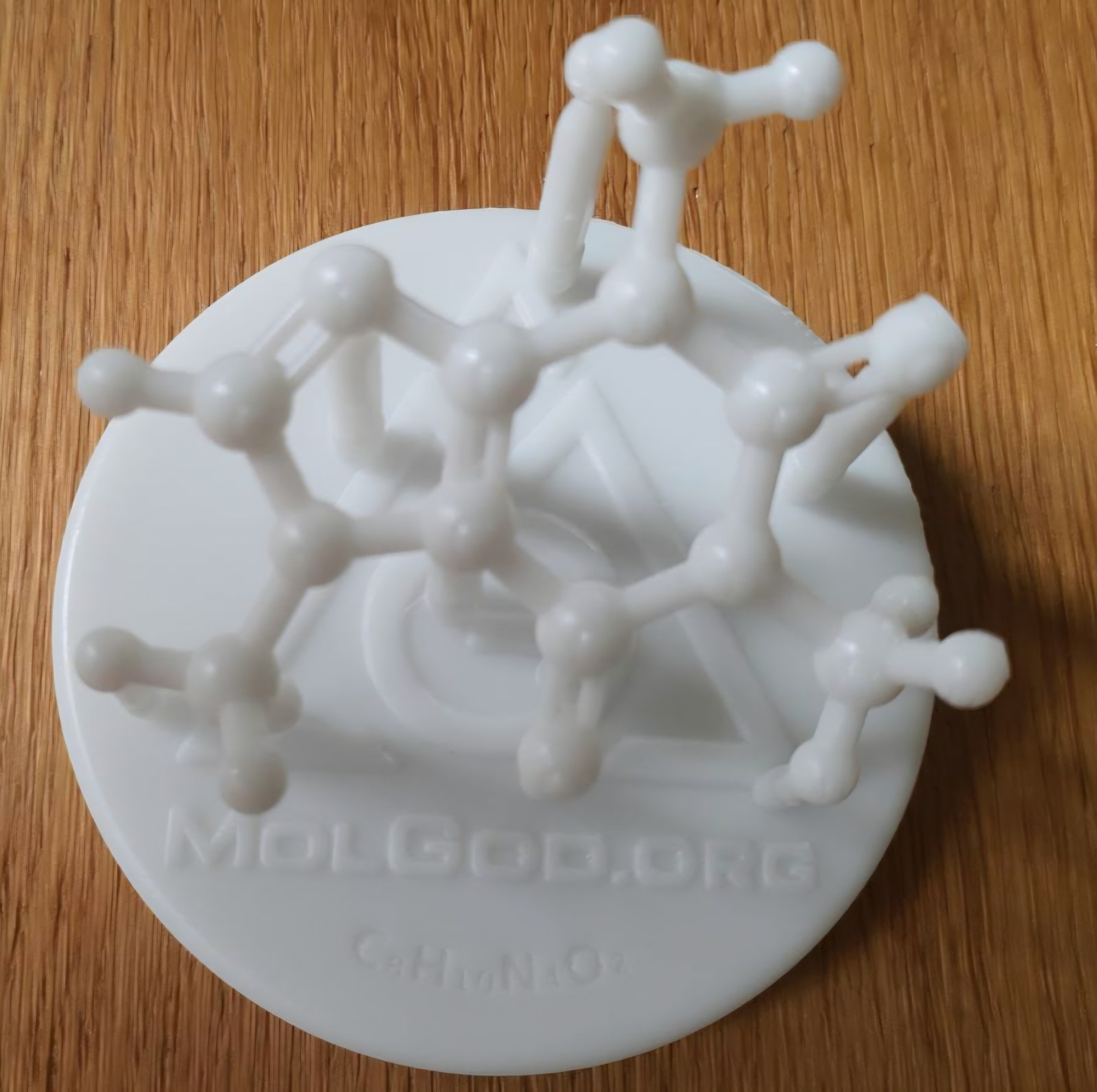
Remove only the orange slicer supports. Keep all 11 yellow pencils — they are part of the model and hold the molecule up. Cut the supports with flush cutters, from the top down; do not pull or twist. The model prints in one colour — the colours exist only in the preview and in the picture below.
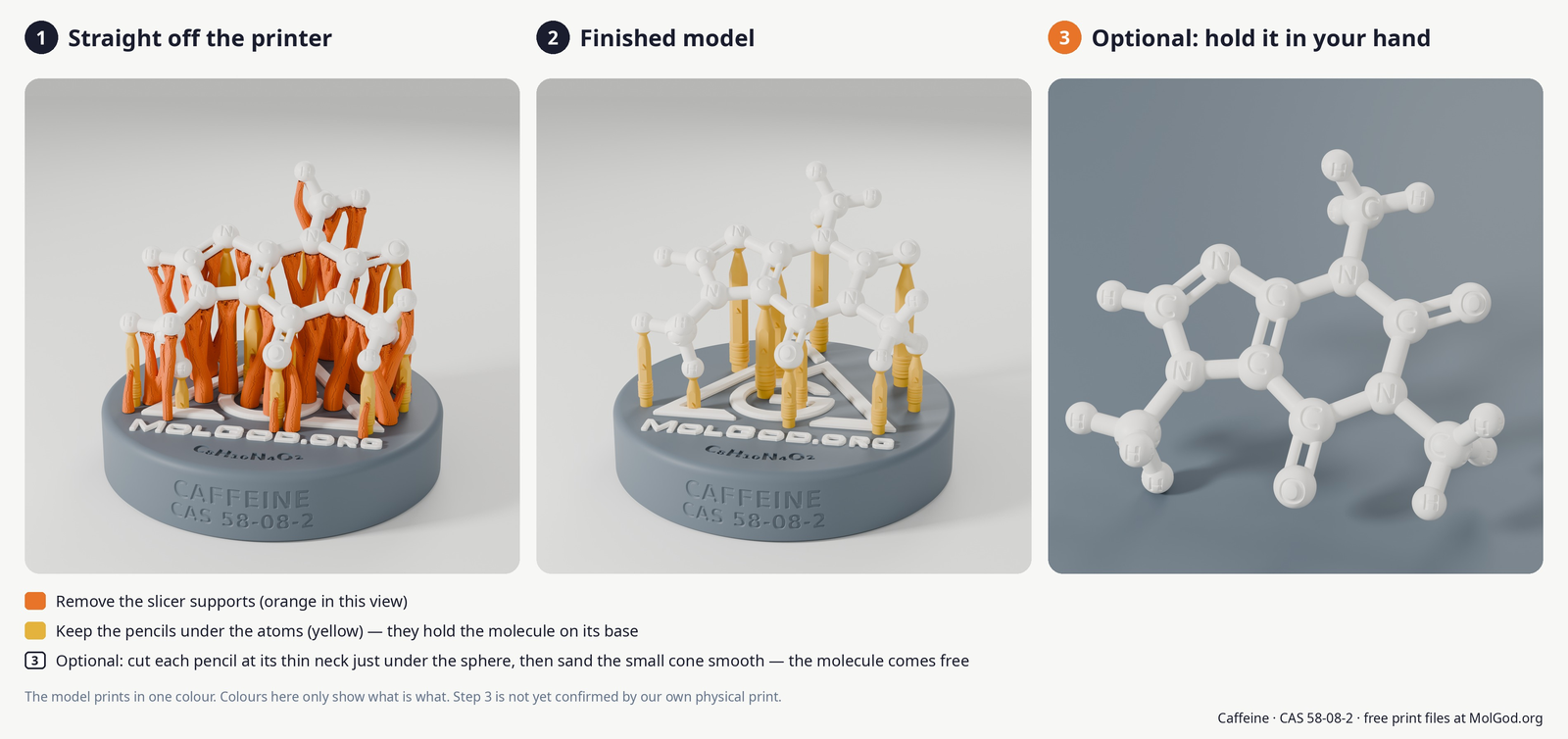
Panel 3 is a render, not a photo of a print — the model prints in a single colour.
Optional: want to turn the molecule in your hand? As the last step, cut each yellow pencil at its thin neck just under the sphere (about 2 mm) and sand off the small cone left on the sphere. Go slowly — the bonds are about 2 mm thick. We have not yet confirmed this step with our own print.
4. Show us your print
Send us photos of your print — with the supports and after removing them — to pure@molgod.org.
These 4 photos help us most: the whole model with supports, the finished model after removing them, a close-up of the thinnest bonds and a close-up of the letters on the spheres. Feedback is welcome, but it is not a condition for downloading or using the model.
3D printing is all about the details. If something did not come out right, send us the photos: we will help and improve the model based on your feedback. Teacher? Join Wave 1 of the pilot →
We help with anything about this print until 26 November 2026. With your permission we will feature your print on the model page at molgod.org and, if you wish, thank you by name in the acknowledgements of our planned scientific publication on printable molecular models.
No 3D printer?
Ask at your school makerspace, a library with a 3D printer, or a local 3D printing service. Give them the ZIP package (files with supports and instructions) together with the PDF data sheet.
A paid 3D printing service is commercial use and needs our commercial licence: pure@molgod.org. A school makerspace, library or university that prints free of charge does not need it.
Status: checked digitally and in the slicer; we have not printed it physically yet. Your print could be the first. Print settings, files and licence ↓